mk-drive
A web drive over the folders you already have.
Runs today. The iOS app is in TestFlight.
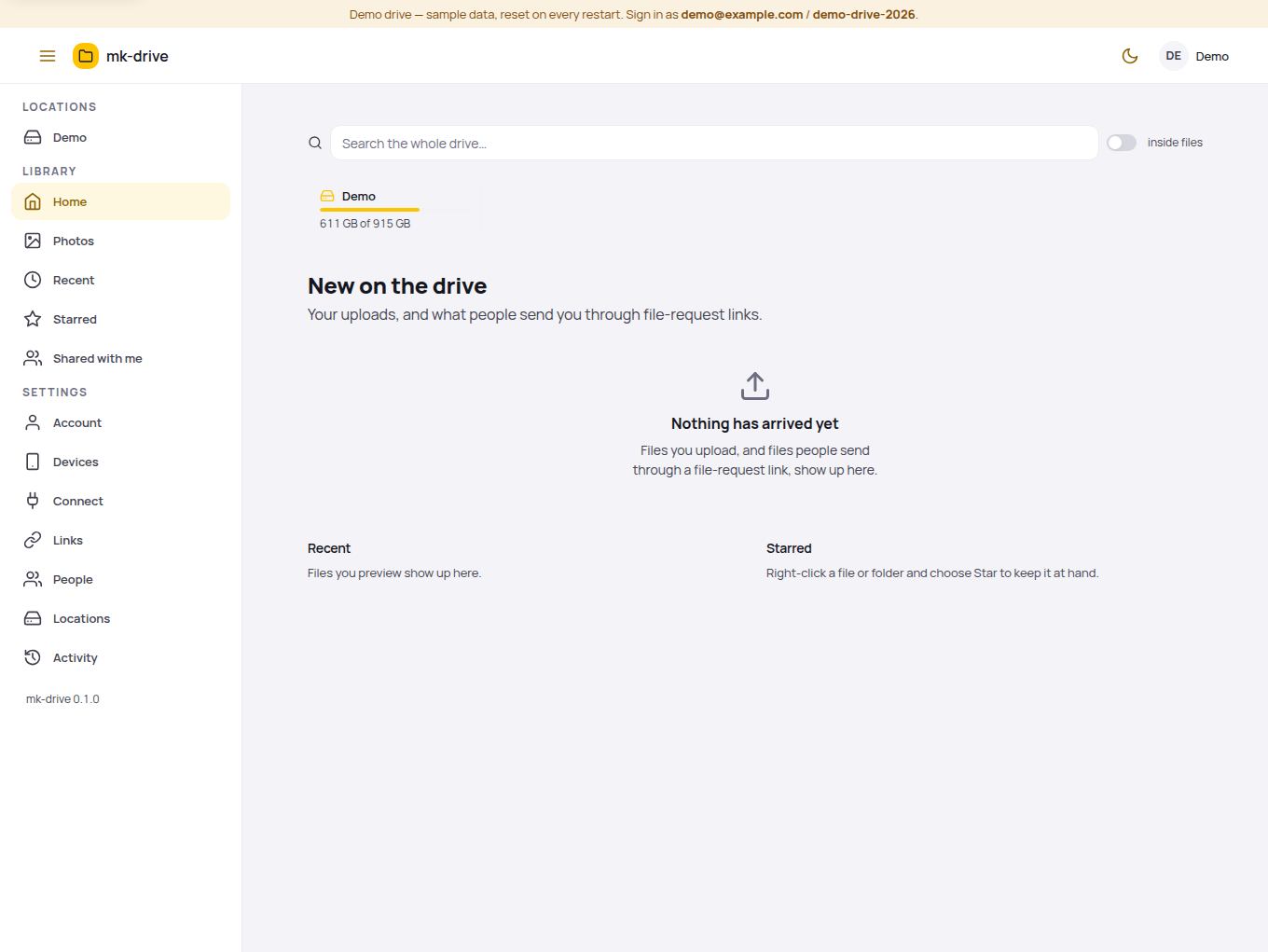
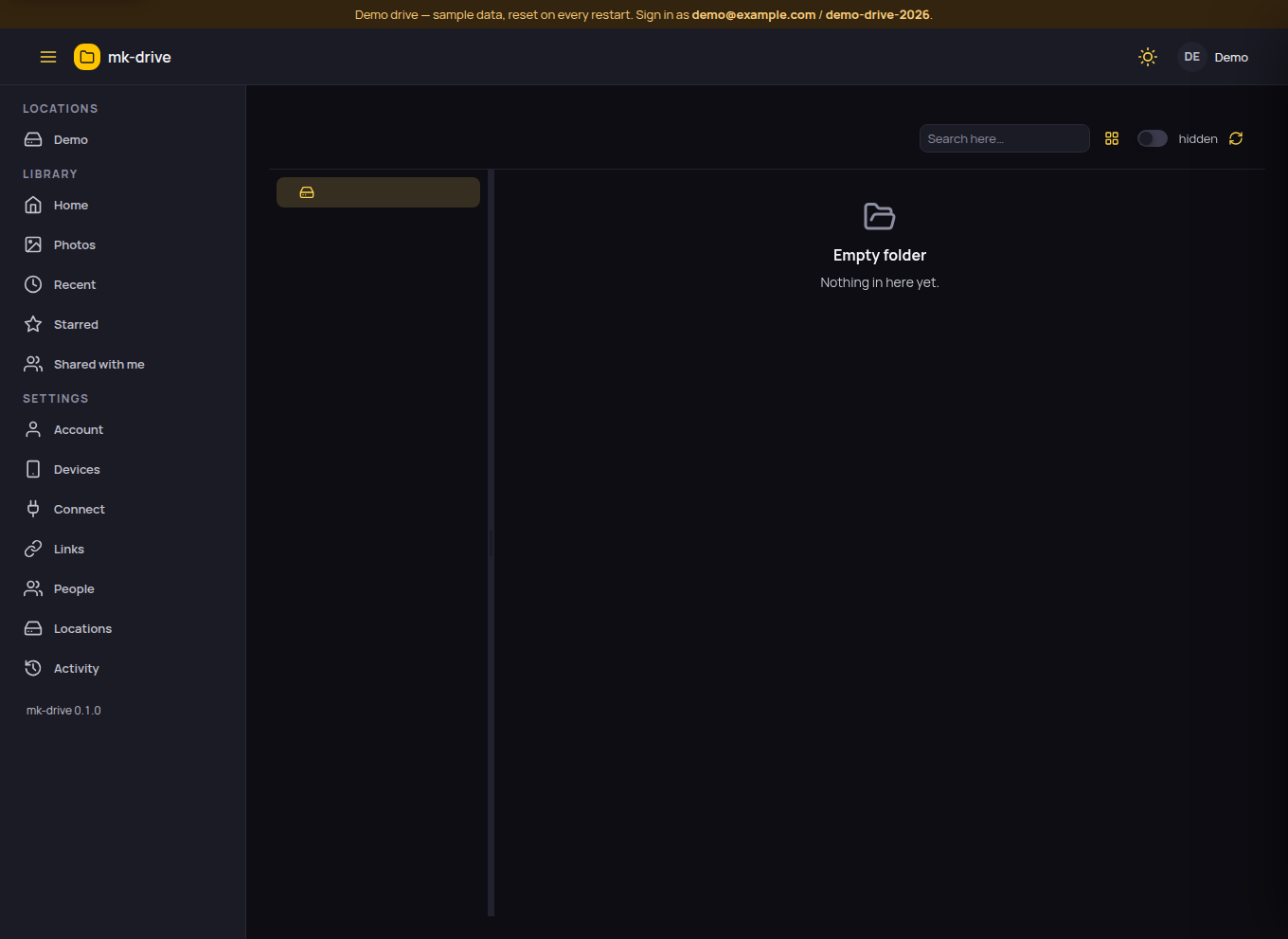
What it does
- Point it at directories — a disk, an NFS or SMB mount, a USB stick — and browse, preview, upload and share them from a browser or the phone.
- The filesystem is the truth. No database, no import: files you drop into a folder by any other means are simply there.
- Share a file or a folder with a link, with a password and an expiry if you want them; ask for files with a request link.
- Photos on a timeline, video and PDF thumbnails, text editing in place, a trash that keeps what you deleted, search inside PDFs.
- Sign in with a password or with any OpenID Connect provider. App passwords for WebDAV, Finder, Files and the iOS app.
- On a machine that runs mk-nas the same app grows a Storage section: disks, pools, datasets, snapshots, shares, copies.
Details
- One container
Point DRIVE_LOCATIONS at the folders; the first start creates the admin account.docker run -p 8810:8810 -v /path/to/files:/locations/files -v mk-drive-data:/data ghcr.io/mkornas/mk-drive- iPhone
- Get it for iPhoneThe drive in the Files app, uploads from the share sheet, share links. TestFlight now; the App Store listing follows.
- Runs on
- Any Docker host. Linux, a NAS, a VPS.
- Licence
- MIT. Free, open source.
- Source
- github.com/mkornas/mk-driveThe README is the manual: read it.
- Privacy
- What the app collects, and what it does not
- Help
- Support for mk-drive